Terms
A term is a slice of the year. Assessments, attendance, and reports hang off it. At Meadowbrook College, 2025/2026 has First Term, Second Term, and Third Term.
What you need first
- An academic year (create 2025/2026 first)
- Start Date and End Date for each term, sitting inside the year
Steps
1. Open the year
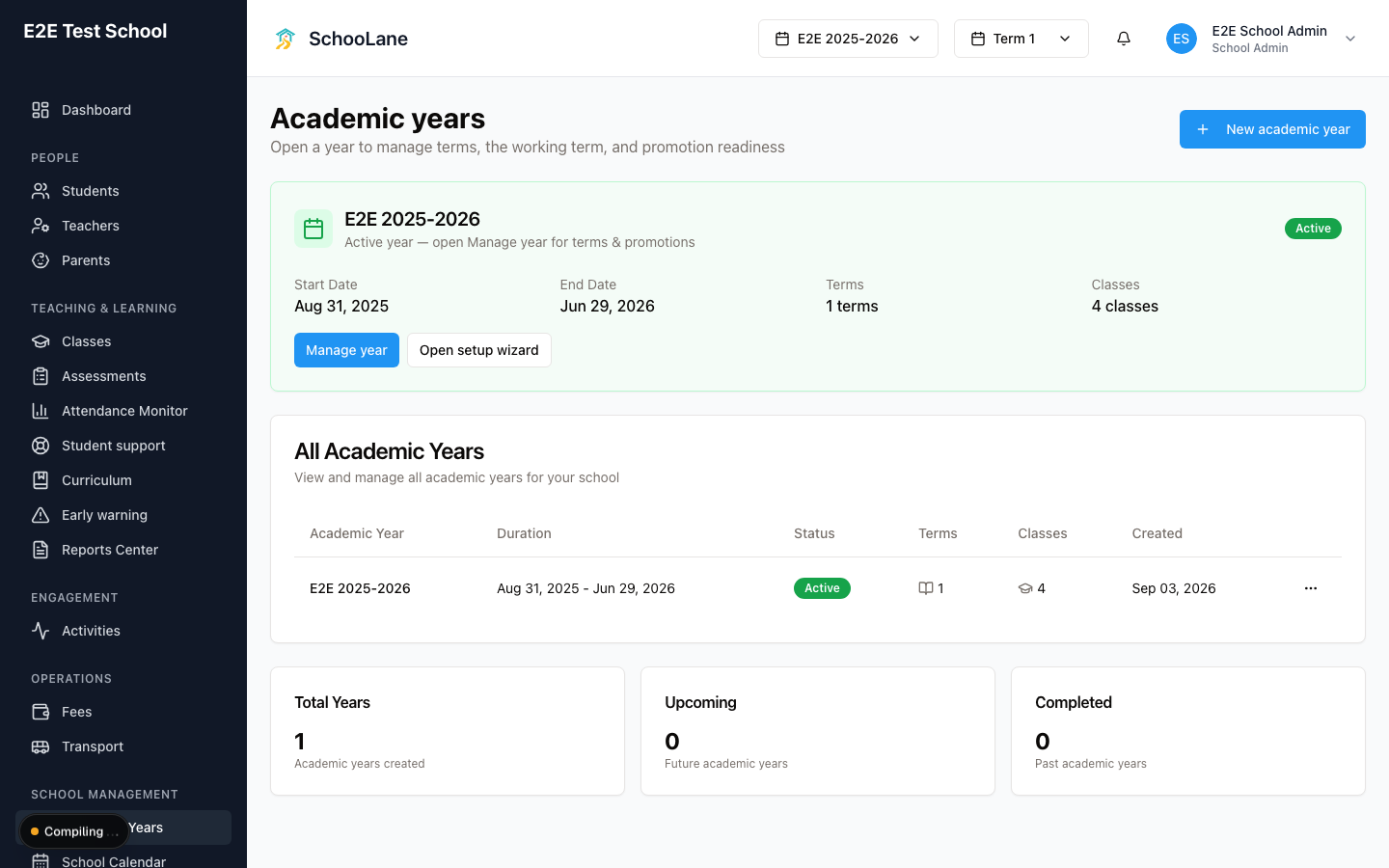
Go to Academic Years. On the 2025/2026 card, press Manage year or Open setup wizard.
Manage year is nicer once the year already exists. You get a Terms tab and you can change the working term without walking the whole wizard.
2. Add each term
On Term Structure (wizard) or Terms (Manage year), add a term. Fill Term Name, Term Order, Start Date, and End Date. Press Add Term (wizard) or Add term (Manage year).
Name them the way the school talks. Meadowbrook uses First Term, Second Term, Third Term. Order 1, then 2, then 3. Dates must sit inside 2025/2026 or the form pushes back.
Tick Promotion term (final term) on Third Term only. That is the last term of the year. Teachers promote students while it is also the working term, or while those dates are still current.
3. Set the working term
On Manage year, the Terms table has a Working term column. Press Set as working on the term staff should use this week.
On Review & Activate the same choice is Select Current Term. Pick First Term in September. Switch to Second Term when that term actually starts. Assessments and the teacher dashboard follow this. If you leave last year’s term selected, people grade into a hole.
What done looks like
- The year card shows three terms.
- At a glance lists the working term. First Term, if you set it.
- New Assessment lets you pick that term.
- Third Term shows the Promotion term badge.
Common mistakes
- Overlapping dates. First Term cannot still be running on the morning Second Term starts. Keep them sequential.
- Marking every term as the promotion term. One per year. Third Term.
- Leaving Third Term without that tick, then asking why teachers cannot promote.
- Creating an assessment after you flipped the working term, then wondering why it landed in Second Term. Check the year switcher at the top (Select Academic Year). If it says Past Year, you are on the wrong year.