Planning and Teach today
Write the term scheme, submit lesson plans, then teach from today’s agenda. Skip the scheme and Teach today is a blank diary.
What you need first
- Curriculum turned on for Meadowbrook
- A class and subject on your name
- The current term
Steps
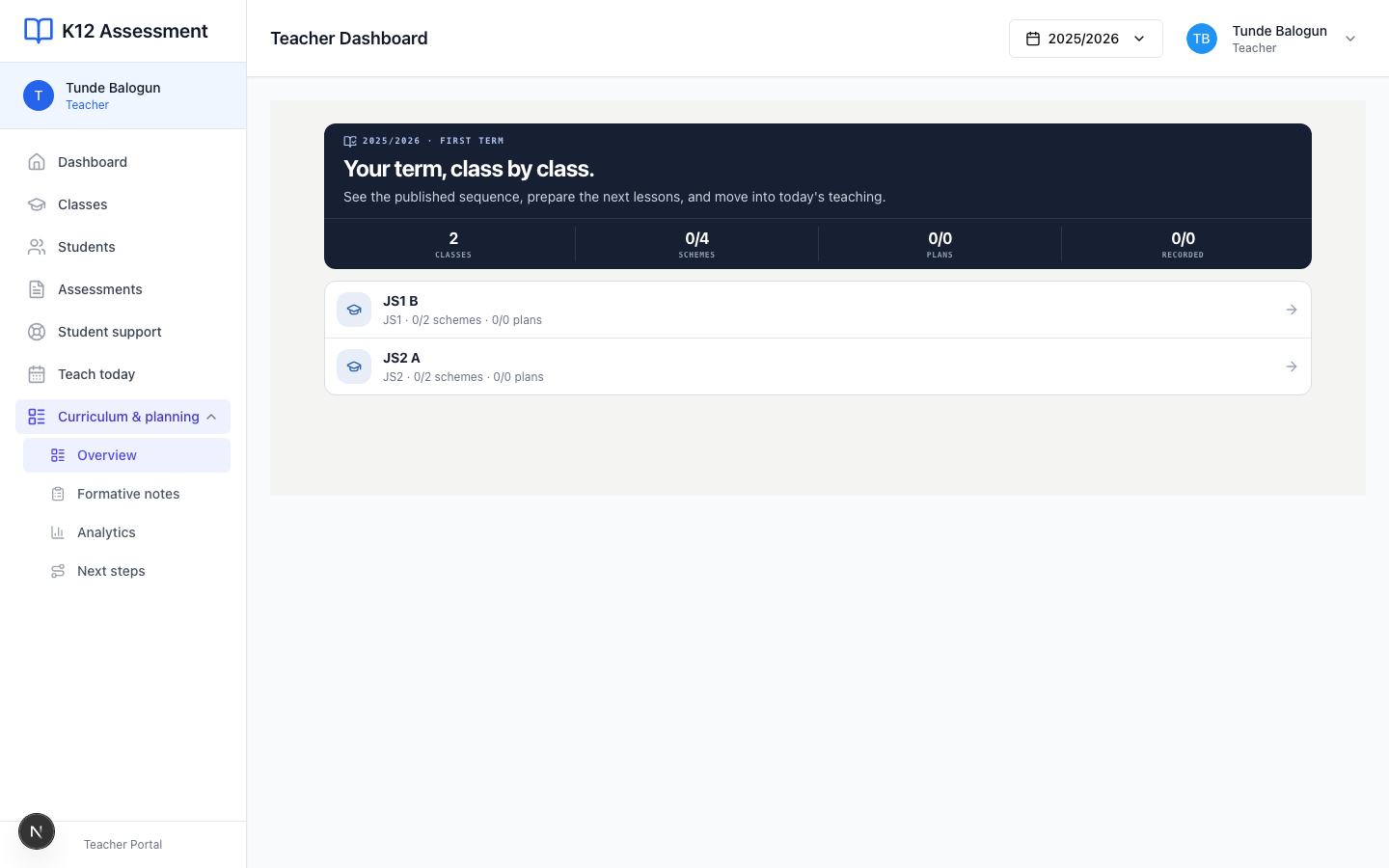
1. Open Curriculum
Press Curriculum in the sidebar. Pick JS2 A, then the subject. If the school never turned this on, you get a short “not enabled” note. That is an office switch, not a broken login.
2. Fill the scheme weeks
Add the weeks for the term. Titles you can actually teach. “Week 3: fractions” beats a vague theme. Submit when the skeleton is honest.
I write the first four weeks in one sitting. The rest after I have met the class.
3. Write lesson plans
Open the week. Finish the lesson. Submit. If Meadowbrook requires approval, wait. Head teachers also see Review lesson plans.
Do not teach from a draft you never submitted. Teach today will not show it.
4. Teach today
Press Teach today. You should see today’s lessons from the timetable and the approved plan. Record what happened so the week shows evidence.
If period 2 with JS2 A went sideways because Ibrahim’s group needed a reteach, write that down. Next week-you will not remember.
Common mistakes
- Opening Teach today in week one with an empty scheme. Fill Curriculum first.
- Leaving plans sitting in draft because you were waiting for the “perfect” week. Submit the real lesson.