Activity
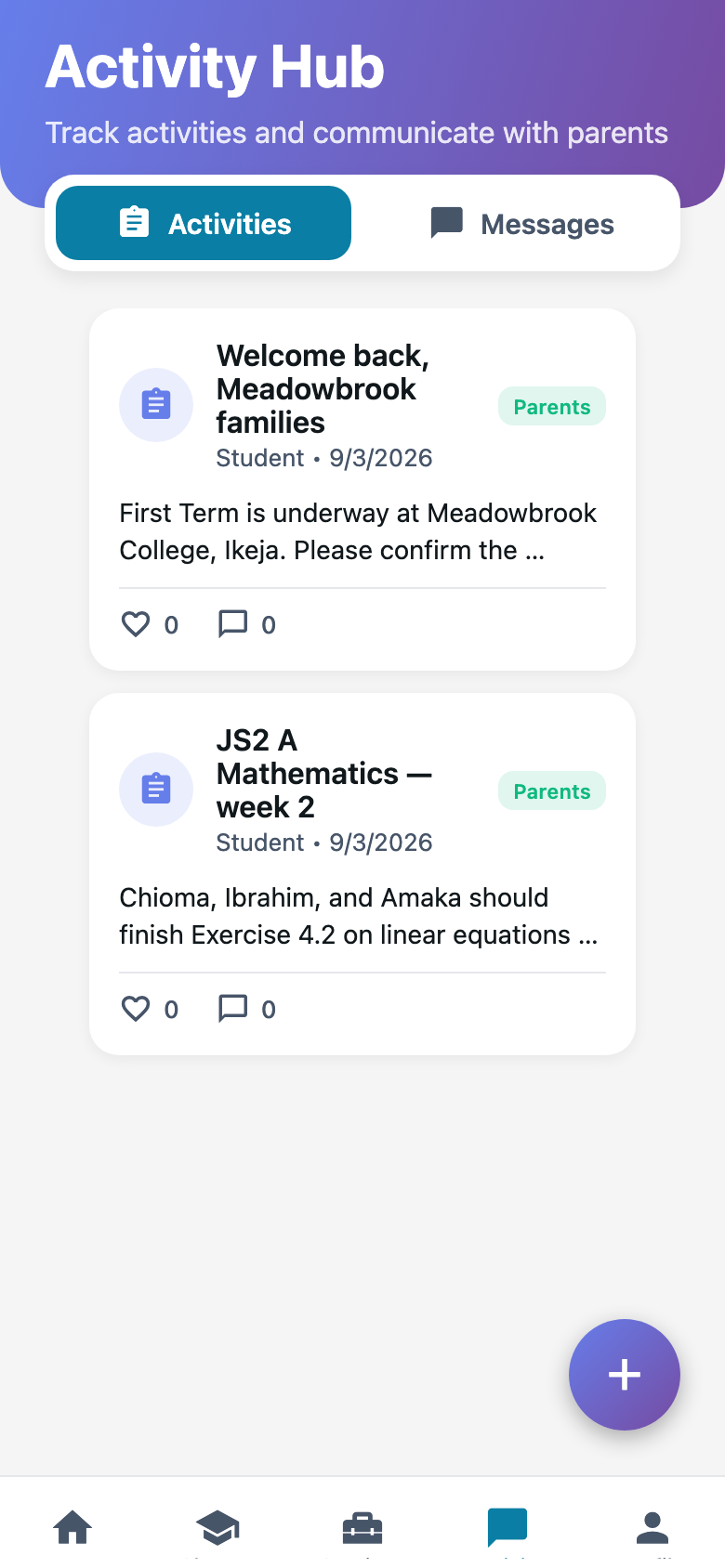
The parent feed on your phone. Post what happened in JS2 A. Reply when a parent writes back.
What you need first
- Activities turned on for Meadowbrook
- A class whose children have linked parents
- Something real to post
Steps
1. Press Activity
Two things live here: the feed and messages. The feed is what parents see. Messages are one-to-one.
2. Post to a class
Press the plus button. Pick JS2 A. Write a title people will actually read. “JS2 A science: Ibrahim’s group built the circuit” beats “Update.”
The post will not go out until a class is selected. That is on purpose. An entire-class post with no class is a dead submit. Pick the class first.
3. Keep Chioma on the class feed
Do not put one child’s face on a school-wide post unless that is the school’s rule. Class feed first.
I still write the long posts on Teachers web. Thumbs are clumsy. The phone is for the photo after a trip.
Common mistakes
- Posting before parents are linked. Their app looks empty and they think you did nothing.
- Using Activity as a school-wide tannoy. That is for the office, or for something every family must see today.