Update the mobile app
If you see Update required in SchooLane Staff or SchooLane Parents, the version on your phone is below the minimum supported version. You can return to the app after updating it.
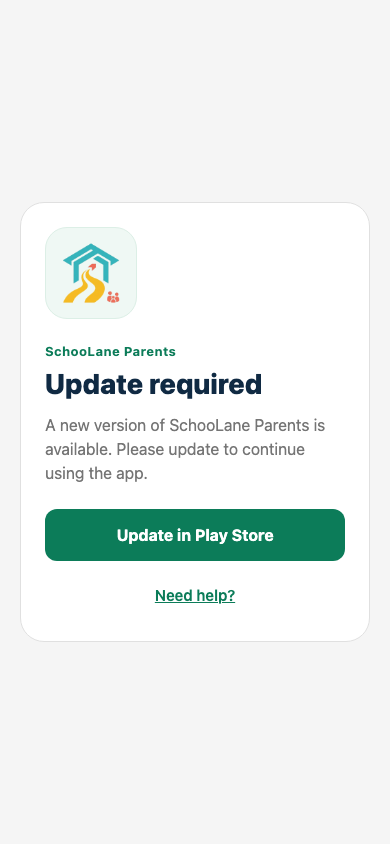
- Press Update in App Store or Update in Play Store.
- Install the update from the store.
- Open SchooLane again. The app checks your version automatically and opens when the update is installed.
If the store does not open, search for SchooLane Staff or SchooLane Parents in your phone's app store. If the update is installed but the screen remains after reopening the app, press Need help? or email support@schoolane.app. Tell support which app you use and whether your phone is an iPhone or Android.