Classes
Your classes only. Open one for the roster, the roll, and the day’s assessments.
What you need first
- A class teacher or subject teacher assignment
- The current year already set by the office
Steps
1. Press Classes
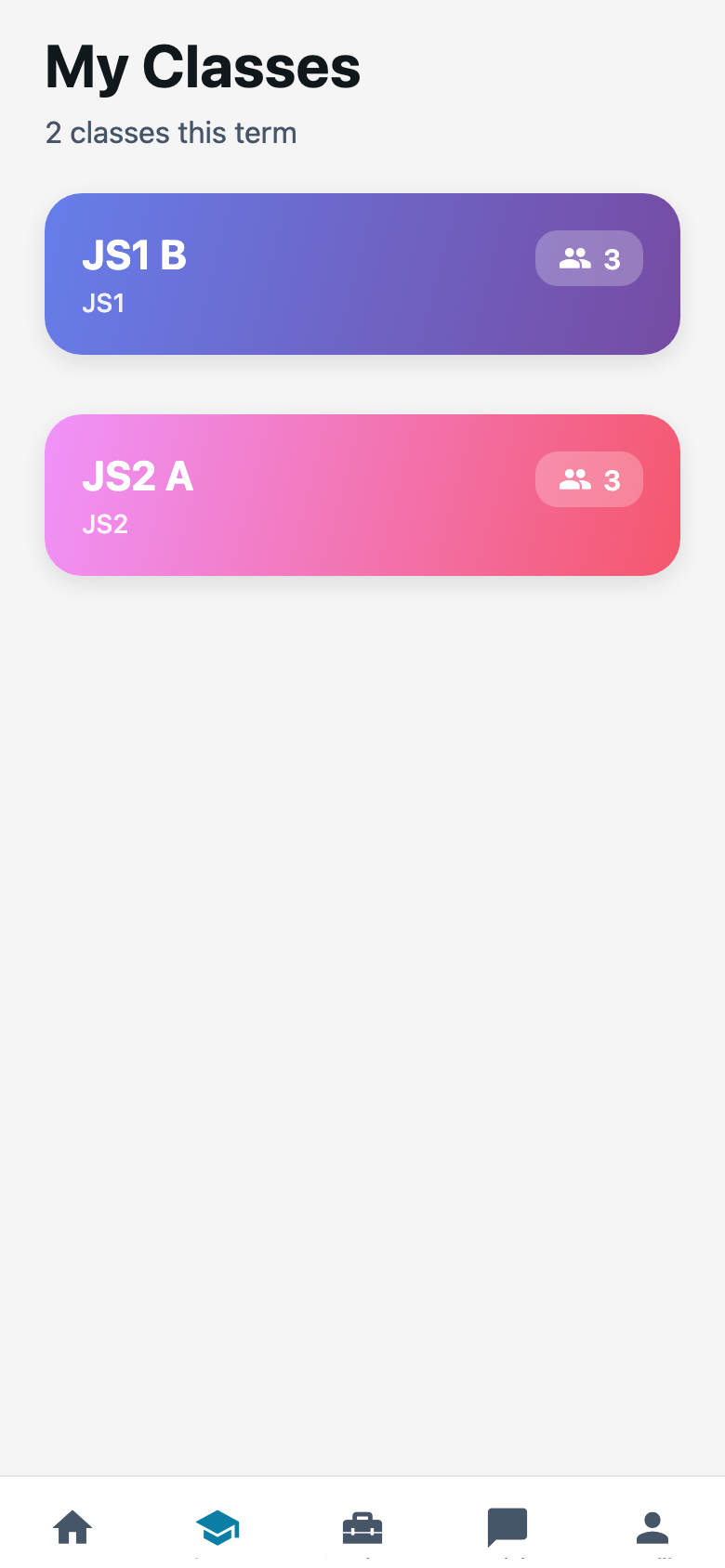
The tab is at the bottom. You should see cards. Tunde’s card is JS2 A. Ngozi’s is JS1 B. Each card shows how many students sit there.
2. Open a class
Press the card. You get the student list. Attendance and assessments sit on that same class.
This is where I start when Ibrahim Yusuf was away yesterday and I need the roll before I write a quiz.
3. Mark the roll from here
Attendance is not its own tab. Open the class, then mark present, late, or absent. Same roll you mark on Teachers web.
You cannot enroll a new child from the phone. You cannot create JS3 A. Ask the office.
Common mistakes
- Waiting on an Add Class button. Teachers do not add school classes on the staff app.
- Opening last year’s JS2 A after the office switched the year. If the card vanished, check with Funke.