Services
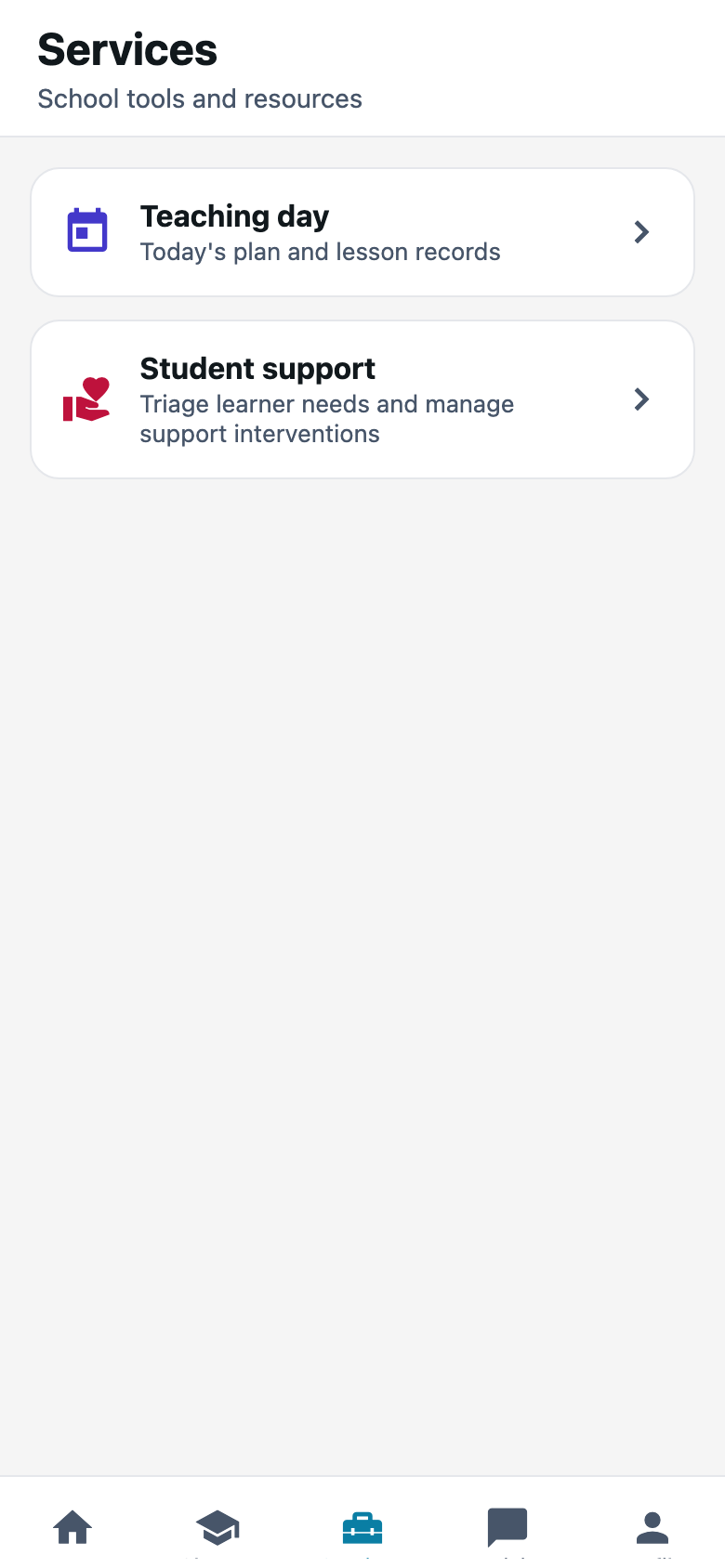
Planning tools. Teaching day, curriculum, and student support when Meadowbrook has those switches on.
What you need first
- Curriculum or student support turned on for the school
- A class and subject on your name
Steps
1. Press Services
The heading is Services. Under it: School tools and resources.
If the tab is missing, the office has not turned those features on. That is not a broken install.
2. Open Teaching day
Teaching day is today’s plan and the lesson records. Same idea as Teach today on Teachers web. If the scheme is empty, this screen is a blank diary. Fill curriculum on the website first if you can type faster there.
3. Open Student support when a child needs more than a mark
Student support is for interventions, not for a missing homework note. If the card is gone, that piece is off for Meadowbrook.
Common mistakes
- Opening Services on week one with no scheme written. Write the weeks on Teachers web, then come back.
- Hunting for Assessments here. Assessments open from a class, or from the Home shortcut.