Parents
Link guardians to students so the parent app shows the right child.
What you need first
- Students already enrolled
- A unique email per parent (they sign in with it)
Steps
1. Open Parents
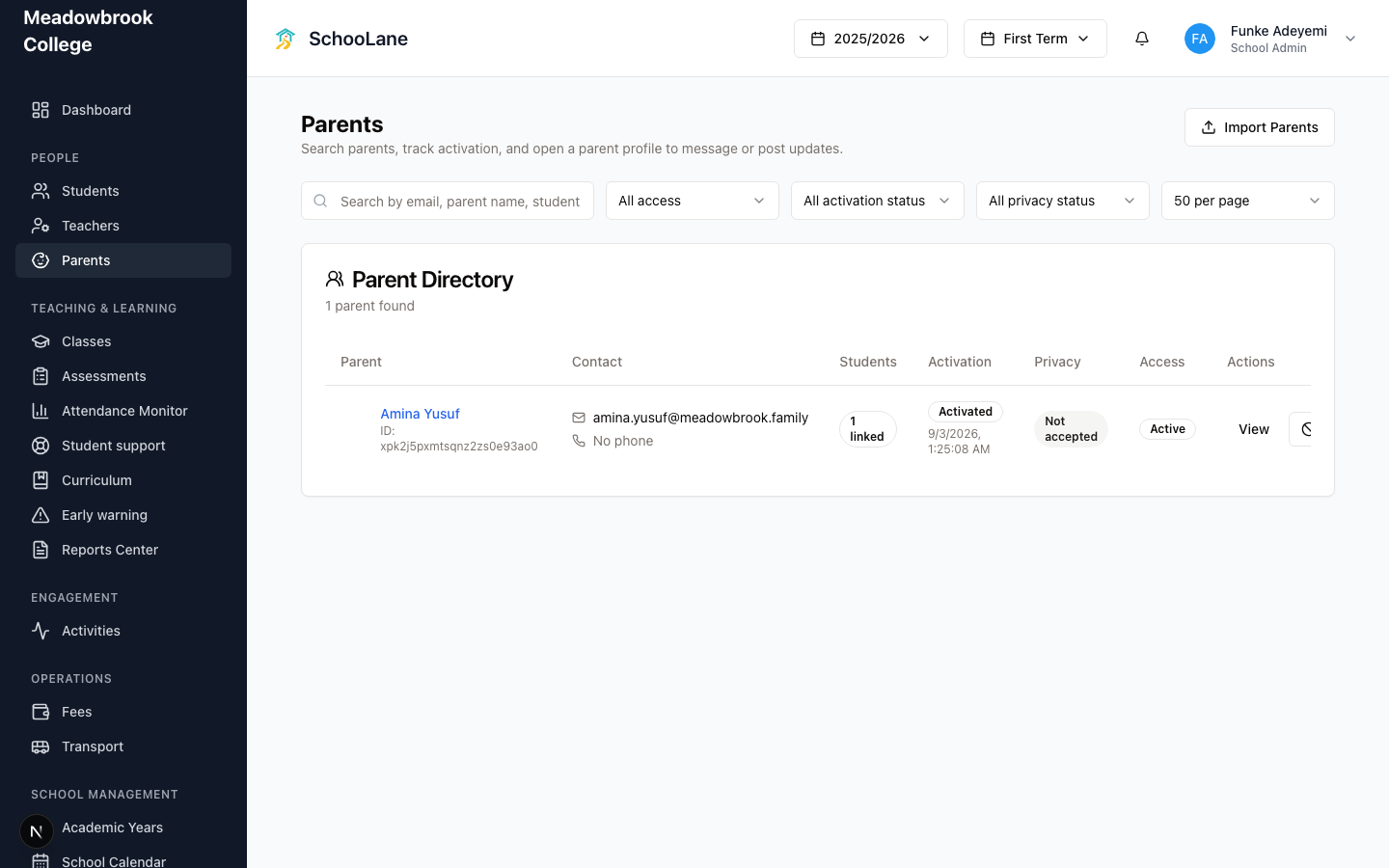
In People, press Parents. You get a directory you can search by email, parent name, or student.
2. Add or open a parent
Create the parent with their name and email. Open the parent to link children. Two households sharing one email is a mess. OTPs land in the same inbox.
3. Link students
Attach each child this guardian should see. A child can have more than one parent. After you save, open the student and check Parents if you want to be sure.
4. Tell them about the parent app
Parents do not use this admin website. They sign in on the parent app with that email.
Common mistakes
- Reusing one email for two households. Messages mix. Don't.
- Linking the wrong child. Open the student profile and check Parents after you save.