Teachers
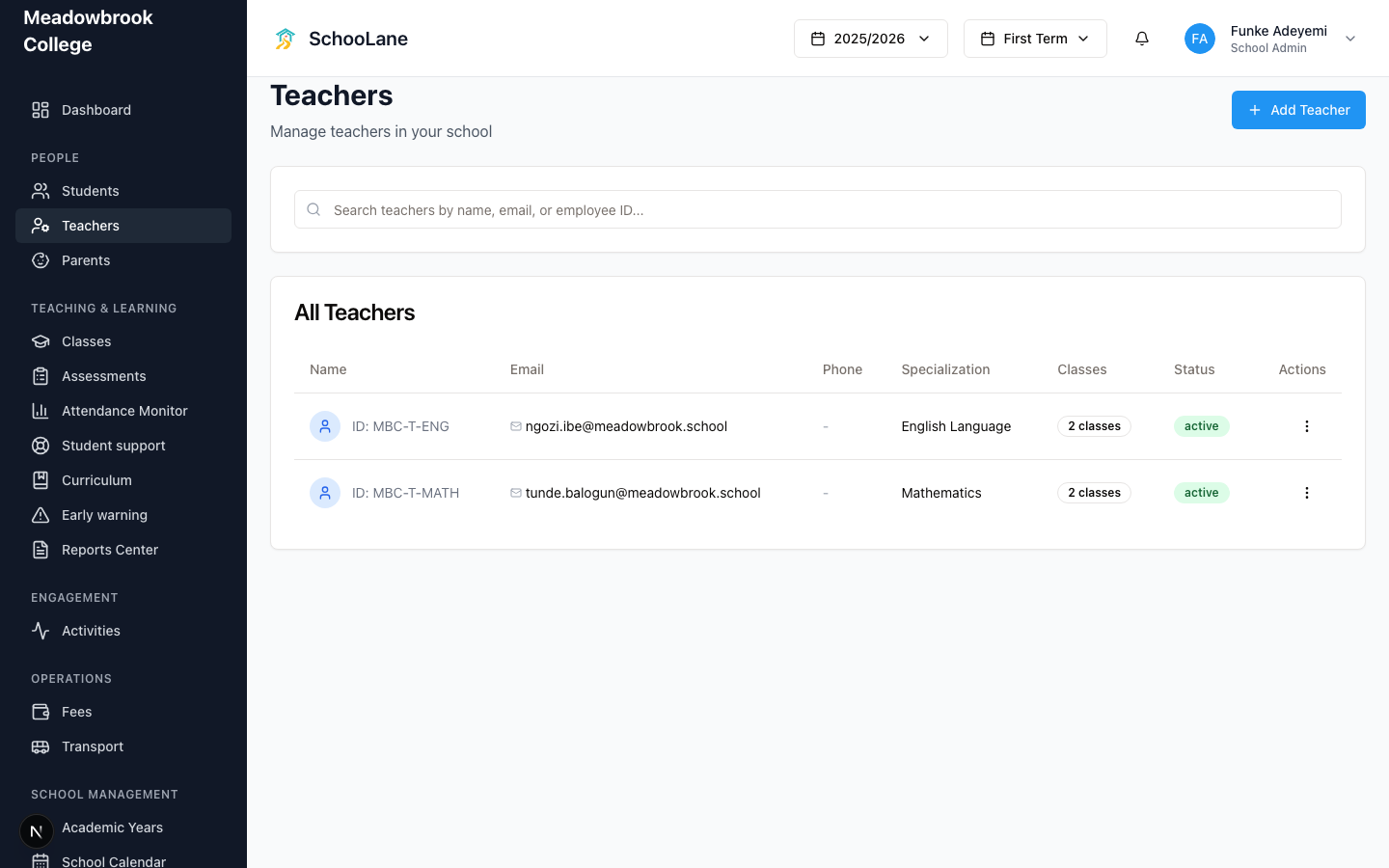
The teaching directory. Add each teacher here, or invite them first from School Staff if they still need a login.
What you need first
- School-admin sign-in
- The teacher's email (this becomes their login)
Steps
1. Open Teachers
In People, press Teachers. The heading is Teachers. Under it you manage the people who teach.
2. Add a teacher
Press Add Teacher. Enter the name and email. Add an employee ID or specialization if you have one. Save. If this person has never signed in, I would add the login on School Staff first. The Teachers page is the directory. The login lives on School Staff.
3. Assign them to a class
Open Classes, press Add Class or edit a class, and choose this person as Class teacher. Then assign them to subjects on that class.
4. Confirm they can sign in
If they cannot open the site, check School Staff and make sure they have the teacher role on that same email.
Common mistakes
- Creating a teacher without an email they can open. They will not get in.
- Adding them twice, once here and once on School Staff, with two different emails. Pick one inbox and stick to it.